Practice Piano More Effectively
Adjustable tempo, section loop, tracks separate, metronome — the practice tool built for pianists.
Why this tool is different
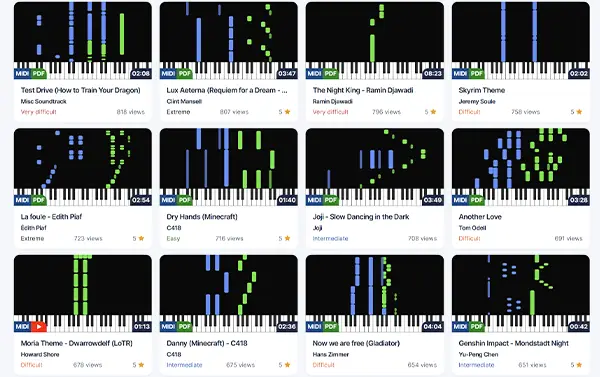
Practice smart, not long
Pianotify isn't just a player — it's a practice companion. Loop, slow-down, track isolation, metronome: every tool a great teacher uses, baked into the piano-roll.
- Loop the bar you're working on in two clicks, with Premium
- Isolate one track to lock it in before combining, with Premium
- Switch on the metronome to lock your tempo
An effective session workflow
How to structure your practice with the Premium tools
1. Spot the hard part
Find the bar or section that blocks you. Select it in the piano-roll.
2. Slow down and loop
Slow to 50%, loop the section. Play it until your fingers go automatic.
3. Build the speed back
Increase by 10% at a time. Once at full tempo, integrate it into the rest of the song.
The core features
Everything you need to practice right
Tempo 10–200%
With Premium, slow down hard passages and speed up the sections you already own.
Section loop
With Premium, set start and end, and the player loops until things click.
Isolated tracks
With Premium, practice the left, the right, or any individual voice.
Built-in metronome
Switch on the click to build a steady, accurate sense of rhythm.
Keyboard shortcuts
Play, pause, speed, loop — everything from the keyboard, no mouse.
Import your MIDI
Drag-and-drop any personal MIDI to practice it immediately.
From the community library
View all — From the community library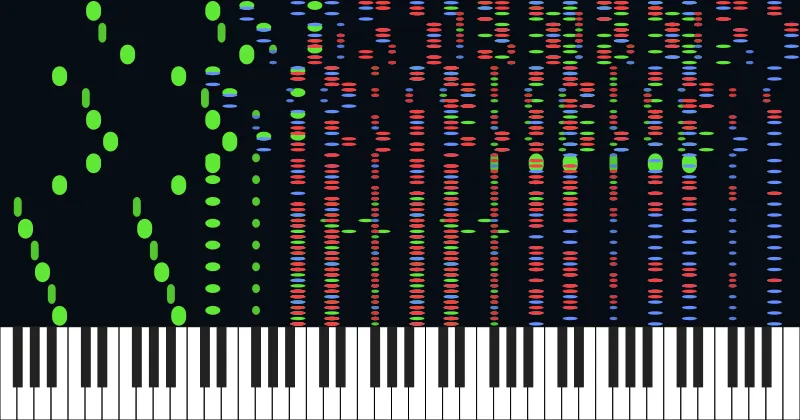
RUSH E 3 (full version)
Andrew Wrangell
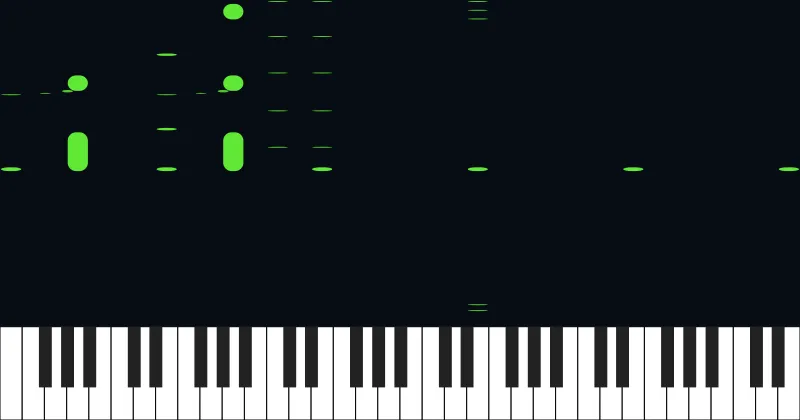
Rush E
Rush E
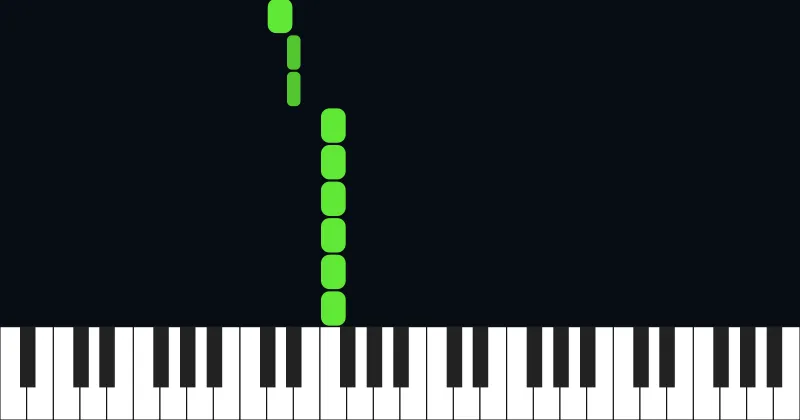
DEAD LIES
Jayden Stallsmith
Interstellar - Main Theme
Hans Zimmer
Golden Hour
JVKE

RUSH E MIDI!!!
SheetMusicBoss
Rush e 3
SheetMusicBoss
Aria Math (Minecraft)
C418
Interstellar
Hans Zimmer

Rush E
Sheet Music Boss

Onion
五月天, 楊宗緯
Tokyo Ghoul OP - Unravel
Tk From Ling Tosite Sigure
Ready to start playing?
Join thousands of piano enthusiasts and access free MIDI files, sheet music, and more.